AI agents can now interact directly with Gainium.
Using MCP (Model Context Protocol), you can connect your AI agent to the platform so it can access tools like the screener, backtesting engine, and trading bots.
Instead of manually searching for coins, analyzing charts, and configuring strategies, the agent can run the entire workflow from a single prompt.
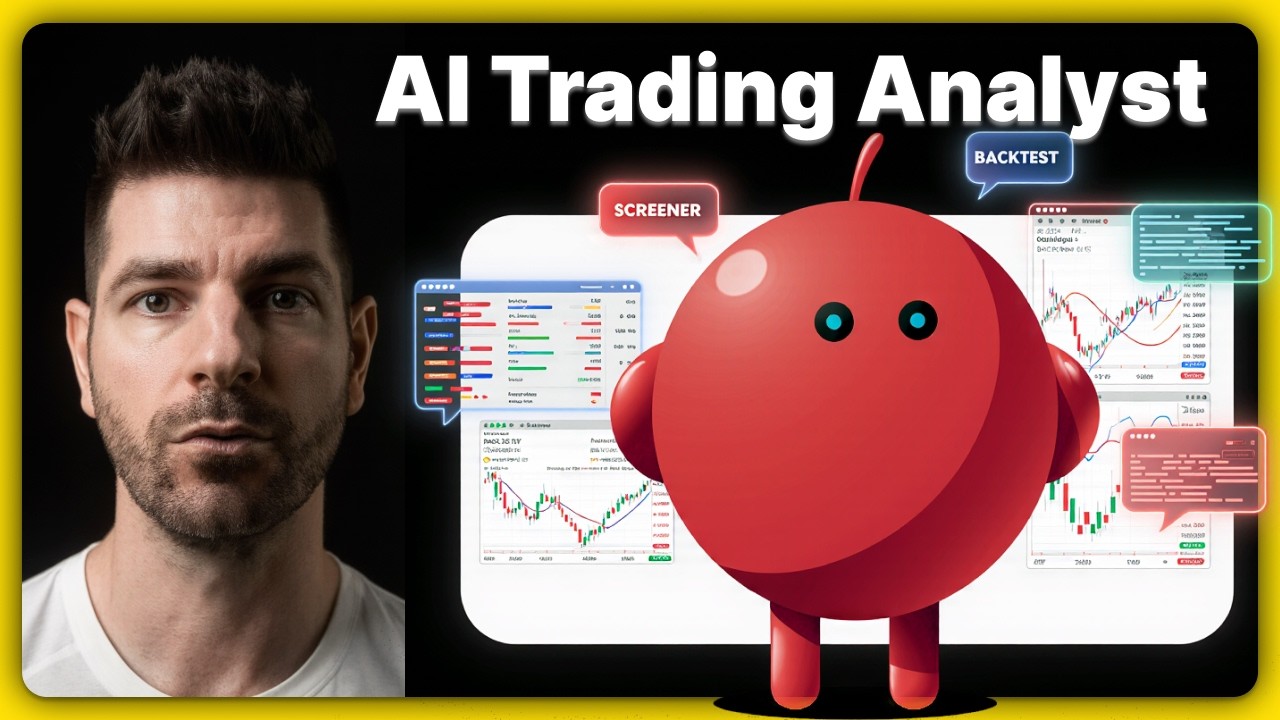
In the video above I demonstrate exactly how this works.
The agent is asked to:
- find a trending coin
- analyze the chart
- run a DCA backtest
- suggest bot settings
- create a paper trading bot
All of that happens from one instruction.
Why This Is Interesting
Most AI tools can explain trading concepts, but they can’t actually interact with trading software.
With MCP, your agent can operate the tools directly.
That means it can:
- run the Gainium screener
- pull charts for analysis
- launch backtests
- interpret results
- configure bots
It can also explain its reasoning at each step, which makes it easier to review and challenge the logic.
This makes AI much more useful for exploring trading ideas and testing strategies .
Start With Paper Trading
When giving an AI agent access to trading tools, it’s important to start carefully.
Use paper trading first.
This lets you experiment with prompts, strategies, and workflows without risking real funds.
AI can help generate ideas faster, but strategy validation still matters.
Manual review, backtesting, and paper trading should always come before deploying real capital.
Example Prompt Used in the Demo
Here is the prompt used in the video:
Use the Gainium screener to find the top trending coins right now. Pick the most interesting one and analyze its chart using chart-img. Make sure to get the long-term view to properly set DCA orders with enough coverage. Then run a DCA backtest on it. Based on the results, suggest bot settings and let me review it before you create the bot.
The agent then:
- scans the market
- selects a coin based on volume and trend
- analyzes the chart structure
- runs a backtest
- suggests bot parameters
After reviewing the output, the bot can be created in paper trading mode.
MCP Setup Guide
Full documentation for connecting your AI agent to Gainium:
Setup takes only a few minutes.
Once connected, your AI agent can start interacting with your Gainium account and helping you explore trading ideas.
What’s Next
This demo uses a single agent performing one workflow .
The next step is experimenting with multiple agents working together, for example:
- one agent scanning the market
- another questioning the assumptions
- another running backtests and refining strategies
If you try this setup, share your prompts and experiments here. It will be interesting to see what kinds of strategies people come up with.