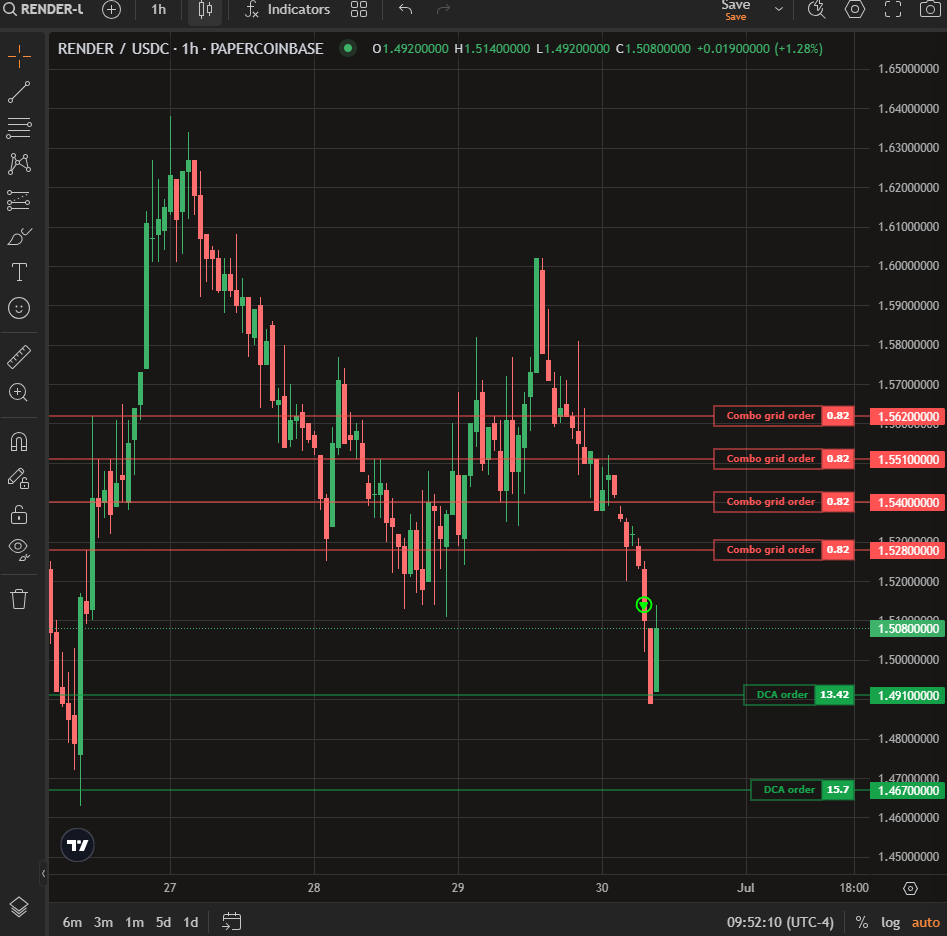
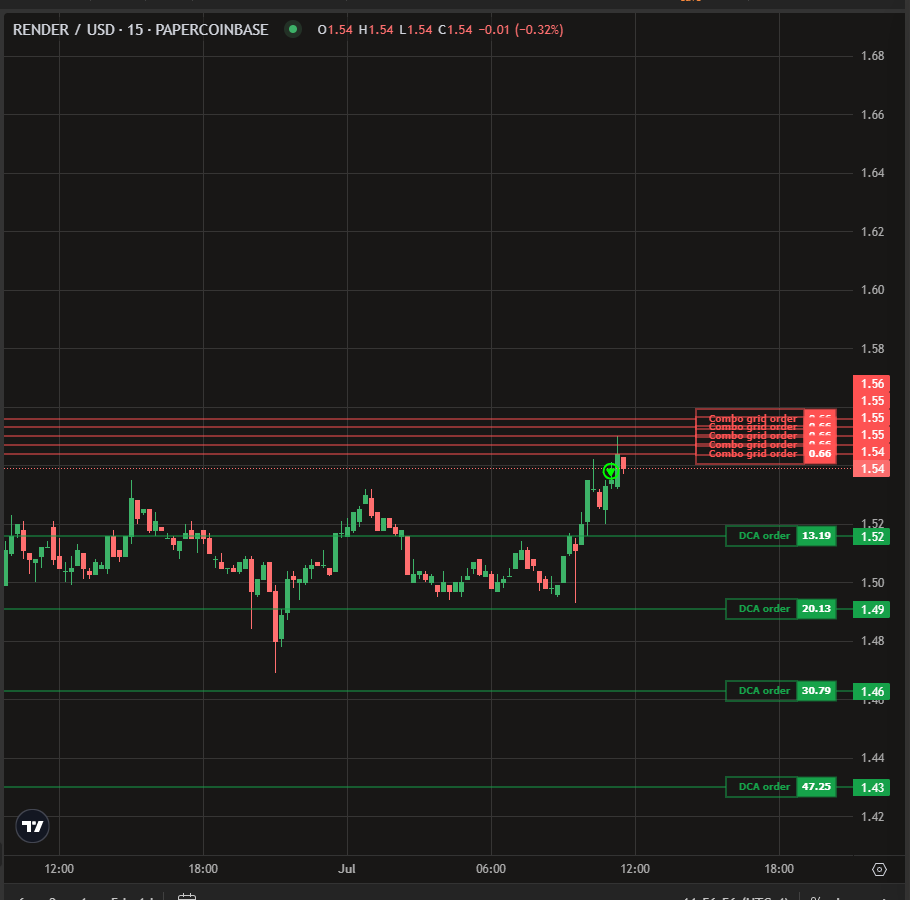
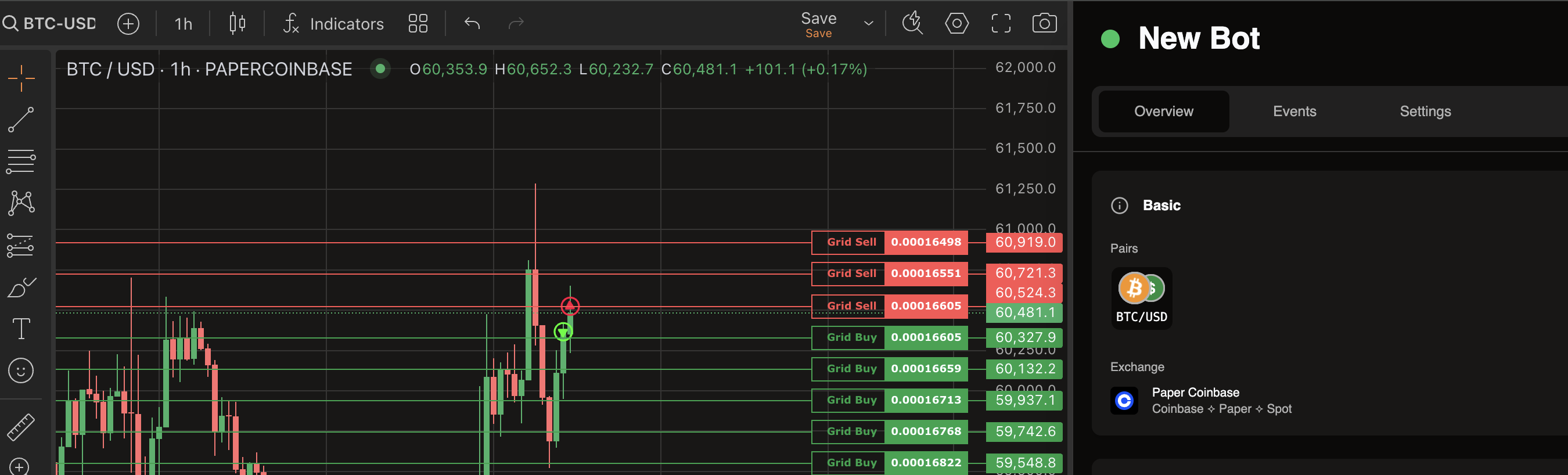
Hello! Thank you for bringing this to our attention. We have received your bug report regarding the DCA buys on Coinbase simulation not executing, and we will update you shortly.
To help us investigate and resolve this issue faster, could you please provide the Bot URL? Having the URL will allow us to check your bot’s configuration and logs.
Hi @starrevolutions — thanks for the detailed report and the bot link, it made this easy to pin down.
We found the cause: a bug in the paper-trading (simulation) engine where, on lower-activity exchanges like Coinbase, price updates for a quiet market could get skipped while busier markets updated at the same instant — so the simulator wouldn’t place the DCA buys (or the sells) even though price clearly moved into range.
It’s fixed and the updated images are published. Easiest way to get it: open Admin → Updates in your dashboard — paper-trading should show an update available (1.3.2); click upgrade and it’ll pull and restart that service for you. (If you prefer to do it by hand: set PAPER_TRADING_VERSION=1.3.2 in your .env and run docker compose up -d paper-trading.)
Give the bot a little time afterward and the buys/sells should start placing again.
We also just added a Diagnostics page under Admin that shows, per exchange, whether live price data is actually flowing — the usual reason a simulated bot silently stops trading. If the fix doesn’t fully sort it, update the dashboard and admin services the same way (Admin → Updates, or FRONTEND_VERSION=2.22.0 / ADMIN_SH_VERSION=1.1.0), then open Admin → Diagnostics and paste what it shows for Coinbase — that’ll tell us whether prices are reaching your stack.
That “Not Found” is the new Diagnostics page talking to the old admin service. The dashboard updated, but the admin container itself is still on the previous version — updating the admin service is the one piece that doesn’t always recreate itself cleanly, so it doesn’t have the Diagnostics endpoint yet and returns Not Found.
Then reload the dashboard and open Admin → Diagnostics again.
That page is just a helper, though — the actual paper-trading fix is separate and already applied on your side, so no need to block on it. Keep us posted on how the bot does once price moves into range.
I did some testing a found a likely culprit. The default settings start docker with PRICEROLE=candles, this is because processing tickers is much heavier service. However, Coinbase specifically only works with tickers. So we have done a couple of things:
Update the admin utility to show which mode is running and surface incompatible exchanges
Change the default setting to PRICEROLE=all
I can confirm Coinbase paper working on my computer, so I think the issue it’s likely the price mode. Try starting the docker again with PRICEROLE=all and let me know if that fixes the issue.
To add to Ares’s note — the PRICEROLE=all change is now baked into the self-hosted release, so you don’t need to edit your .env by hand:
git pull your docker-sh checkout
docker compose up -d price-connector
The price connector is now pinned to the all role in the compose file itself, so it comes up in the right mode on that recreate regardless of what your .env says.
One Coinbase-specific gotcha: the connector needs COINBASEKEY and COINBASESECRET set in your .env to list Coinbase markets — without them Coinbase won’t stream even in the correct mode.
After recreating, open Admin → Diagnostics: Coinbase should flip from “no ticks” to live, and your DCA/grid bots should start placing orders. (That page is also where the new “which feed mode is running / which exchanges need it” view Ares mentioned will live.)