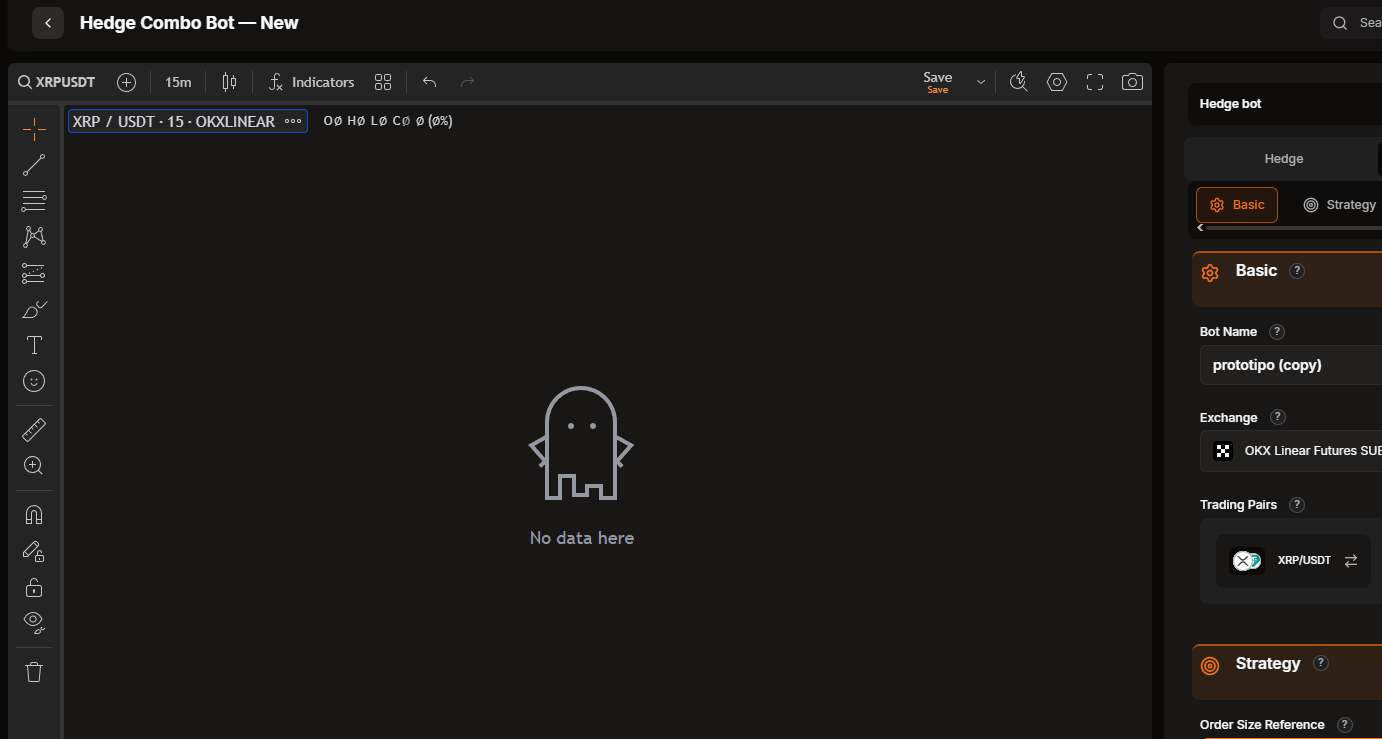
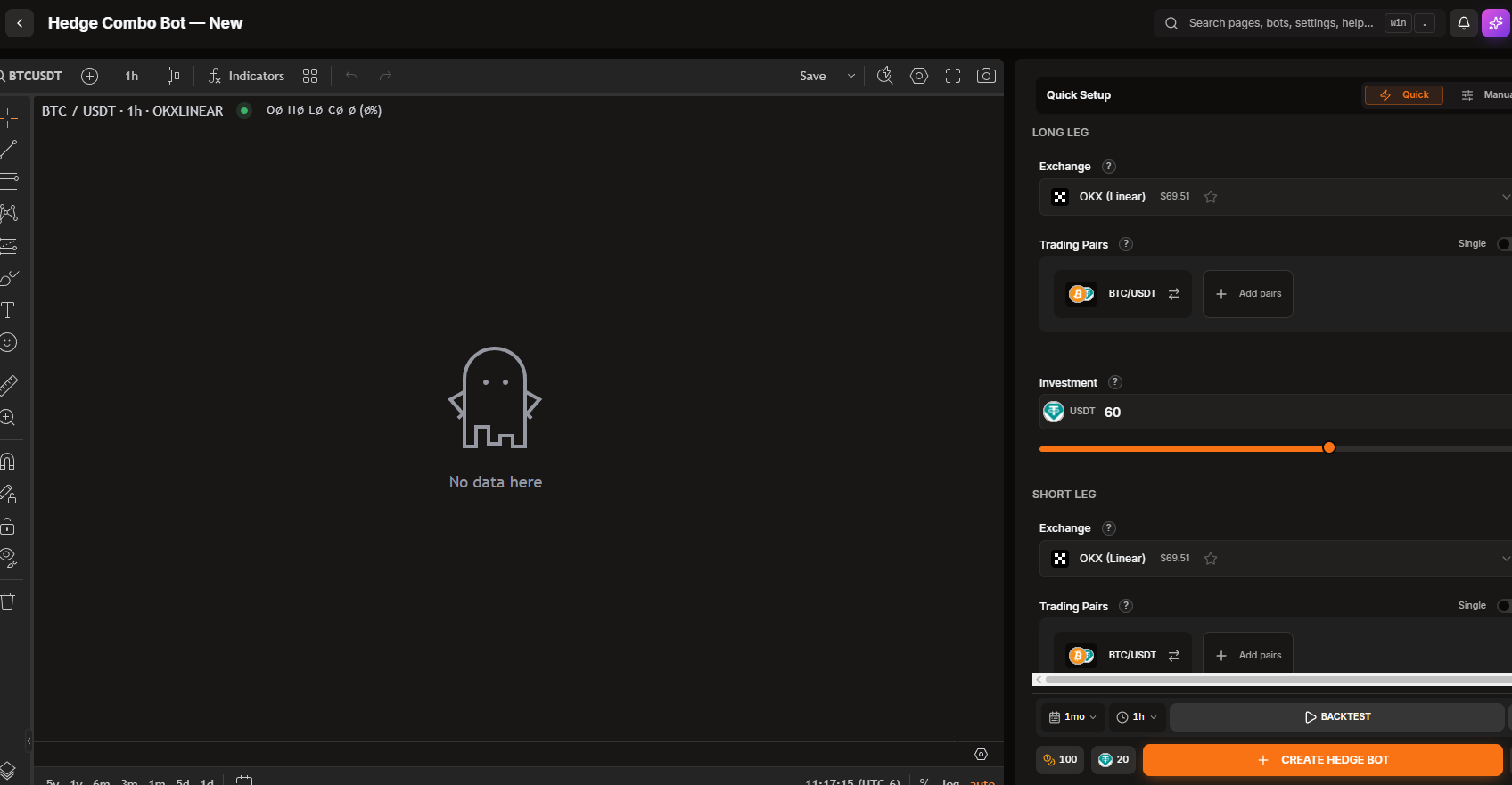
I am trying to create a new bot in V2 (Hedge Combo), but the chart doesn’t appear when I select the pair. I tried changing the timeframe to reload the chart, but nothing is showing up.
Thanks for the report, John — happy to look into this. To pin down whether it’s the chart itself or something specific to your setup, could you tell me:
Which exchange and pair were you selecting when the chart stayed blank (e.g. Binance Futures BTC/USDT)?
Does it happen with every pair you try, or just this one?
Does it also happen in Grid or DCA V2 bots, or only in Hedge Combo V2?
In the meantime, two quick things that resolve the majority of blank-chart cases:
Try a hard refresh (Ctrl/Cmd+Shift+R), and if you use an ad blocker or privacy extension, temporarily disable it for gainium.io — those often block the chart widget from loading.
Try a different browser to rule out a local extension/cache issue.
Let me know how those go and answer the questions above, and I’ll dig in from there.
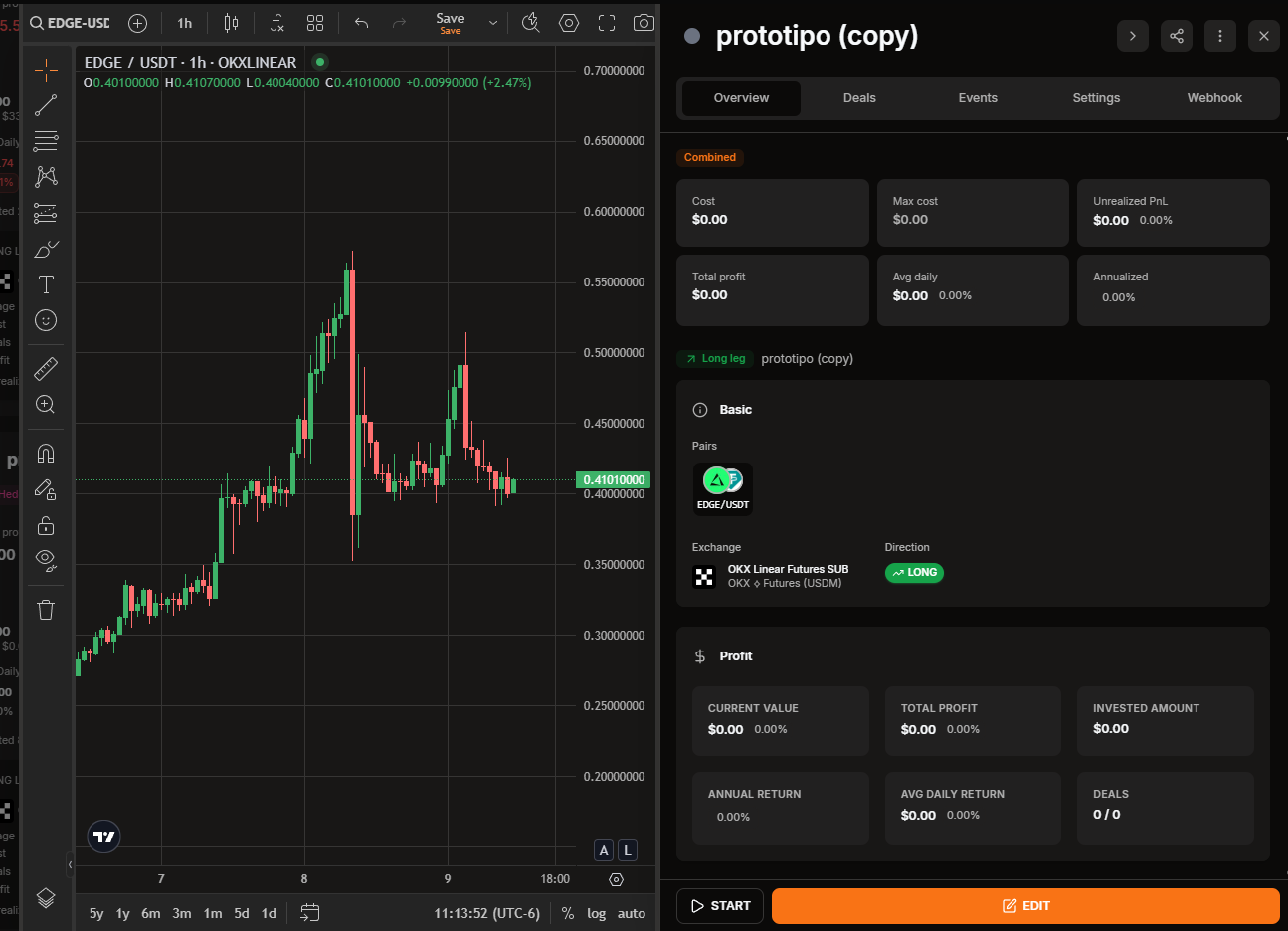
It happens with all pairs, but I noticed it only occurs when I’m first setting up a new bot. Since it was a template, I decided to configure and save it before actually starting the bot; I saved it, and when I opened it again, the chart was there. It just doesn’t appear when I’m creating a new one. (This only happens to me with Hedge Combo; it doesn’t happen with the other bots.)
Thanks for the extra detail and screenshots, John — that pinned it down perfectly. I’ve reproduced and confirmed this: it’s a genuine bug specific to the new-bot creation screen for Hedge Combo, where the chart doesn’t load for any pair. As you noticed, it only affects the creation step — once the bot is saved and reopened, the chart displays normally, and it doesn’t affect the other bot types.
I’ve logged it for the team to fix. In the meantime the workaround is exactly what you found: configure and save the Hedge Combo bot, then reopen it and the chart will appear as expected. I’ll follow up here once the fix is out. Appreciate the clear report!
Good news, John — the fix is done and verified on our end.
The Hedge Combo create screen was requesting the chart’s price data in a format that some exchanges (like OKX and Coinbase) don’t accept, so their candles came back empty and the chart stayed blank — while Binance-style pairs happened to work, which is why it looked inconsistent. That’s now corrected, and I also fixed a smaller issue where the exchange dropdown couldn’t be scrolled when you have a lot of accounts.
Both fixes are queued for the next release, which should go out shortly. I’ll confirm right here once it’s live. Thanks again for the clear report and screenshots — they made this easy to pin down!